
Your Excel file.
Without the data-entry errors.
Tablio turns your Excel tables into smart entry forms your team fills in from a computer or a phone. Every cell is checked as it's typed, and every file comes together in one workbook, ready for review and reporting.
- No credit card
- Your files are never stored on our servers
- Arabic & English
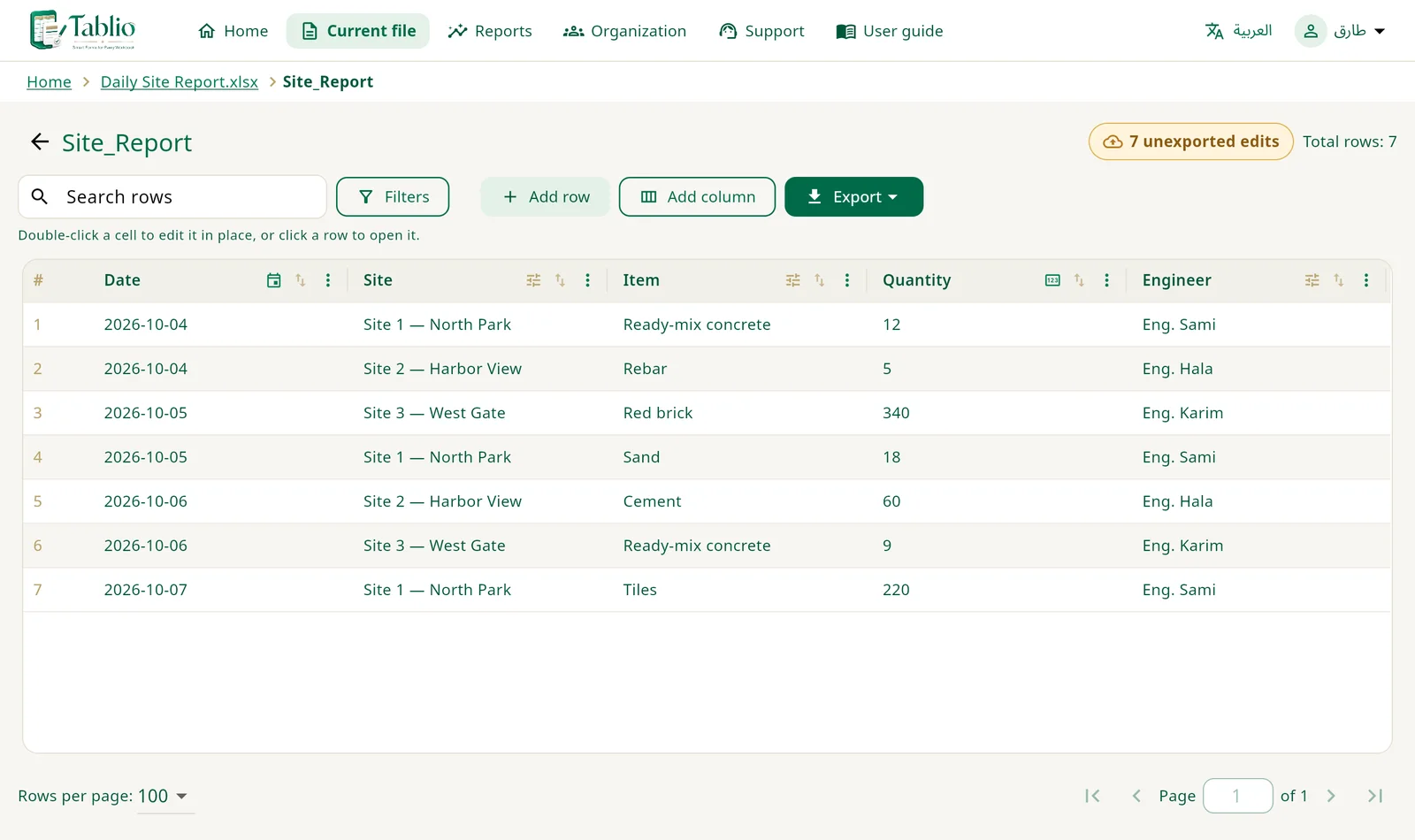
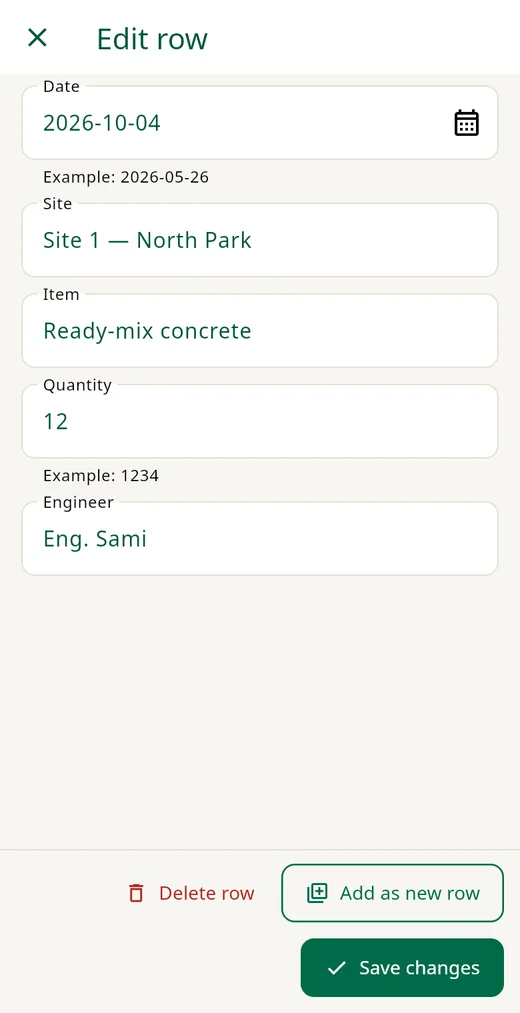
See how Tablio saves your day
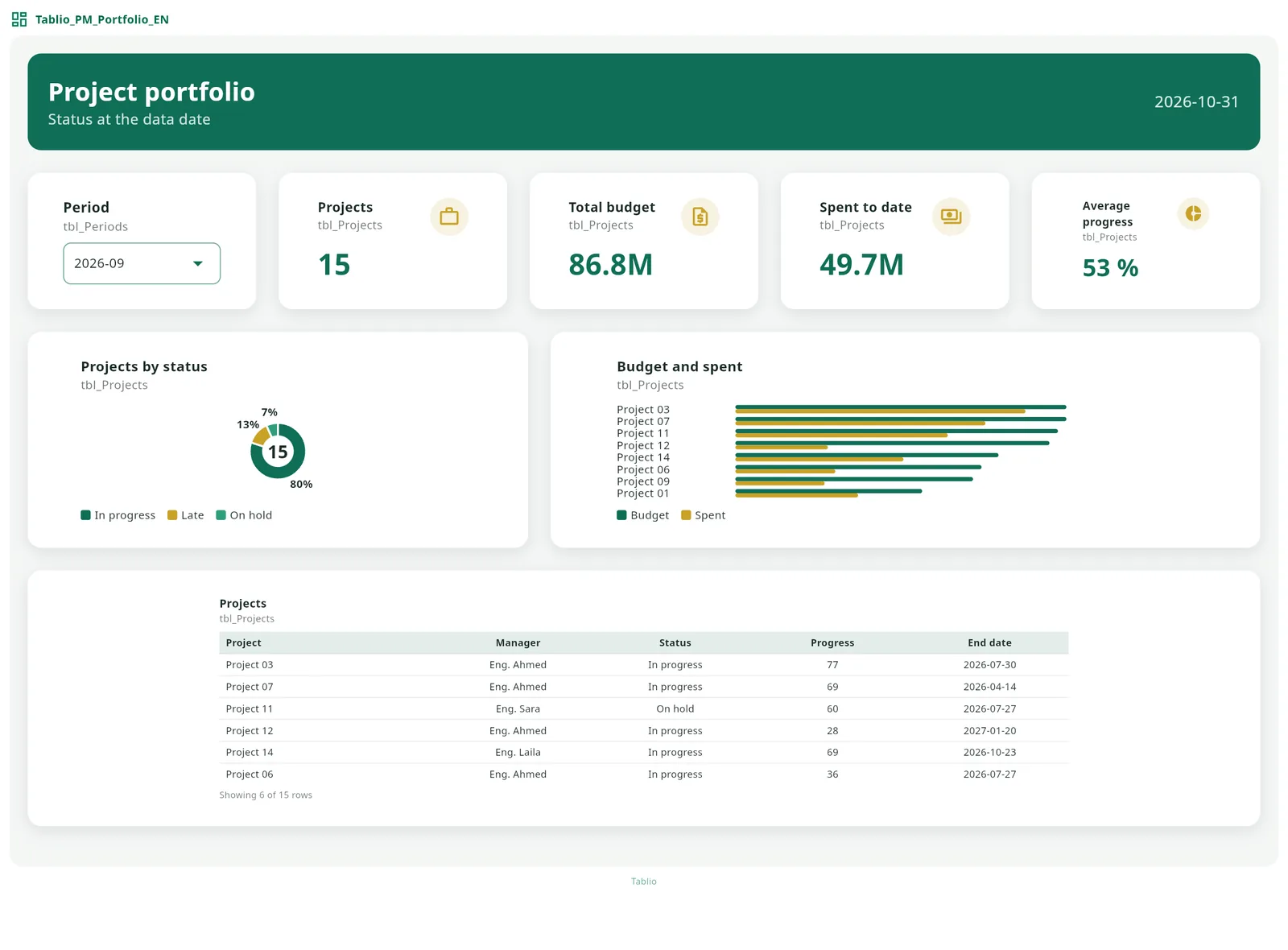
From Excel to an interactive dashboard in a minute
Pick one of ten ready project-management templates, fill in its Excel form and upload it: the dashboard appears at once. Or design your own from scratch, and export it as an image, PDF, PowerPoint or an interactive HTML page that works offline and on phones.
Sound familiar?
- Files arrive from every site and branch, each in a different format.
- A date typed as text, a quantity written as "five", a key cell left empty.
- Hours lost checking and fixing before you can even start the report.
- And the report is due today.
The problem isn't Excel.
The problem is that anyone can type anything into any cell.
| Date | Item | Qty | Engineer |
|---|---|---|---|
| 2026-10-04 | Concrete | 12 | Eng. Sami |
| last Sunday | Rebar | five | Eng. Sami |
| 10/05/26 | Blocks | 340 | |
| 2026-10-06 | re-bar?? | 8 | Eng. Hala |
From file to report in three steps
Open your file as it is
Upload the Excel file you already use, or start a new project from a template. Tablio understands your tables and columns and never changes your layout.
Your team enters data — correctly
Every column has a type: date, number, approved list. Mistakes are rejected before they get in, on desktop or mobile.
Merge, review, report
Combine branch files into one workbook, review them, and export to plain or password-protected Excel.
Everything your team needs for data you can trust
📈Dashboards & report designerNew
KPI cards, gauges, charts, timelines and matrices, in ten styles and up to 10 pages, saved inside the Excel file itself. Export to an image, PDF, Excel or an editable PowerPoint.
Learn more →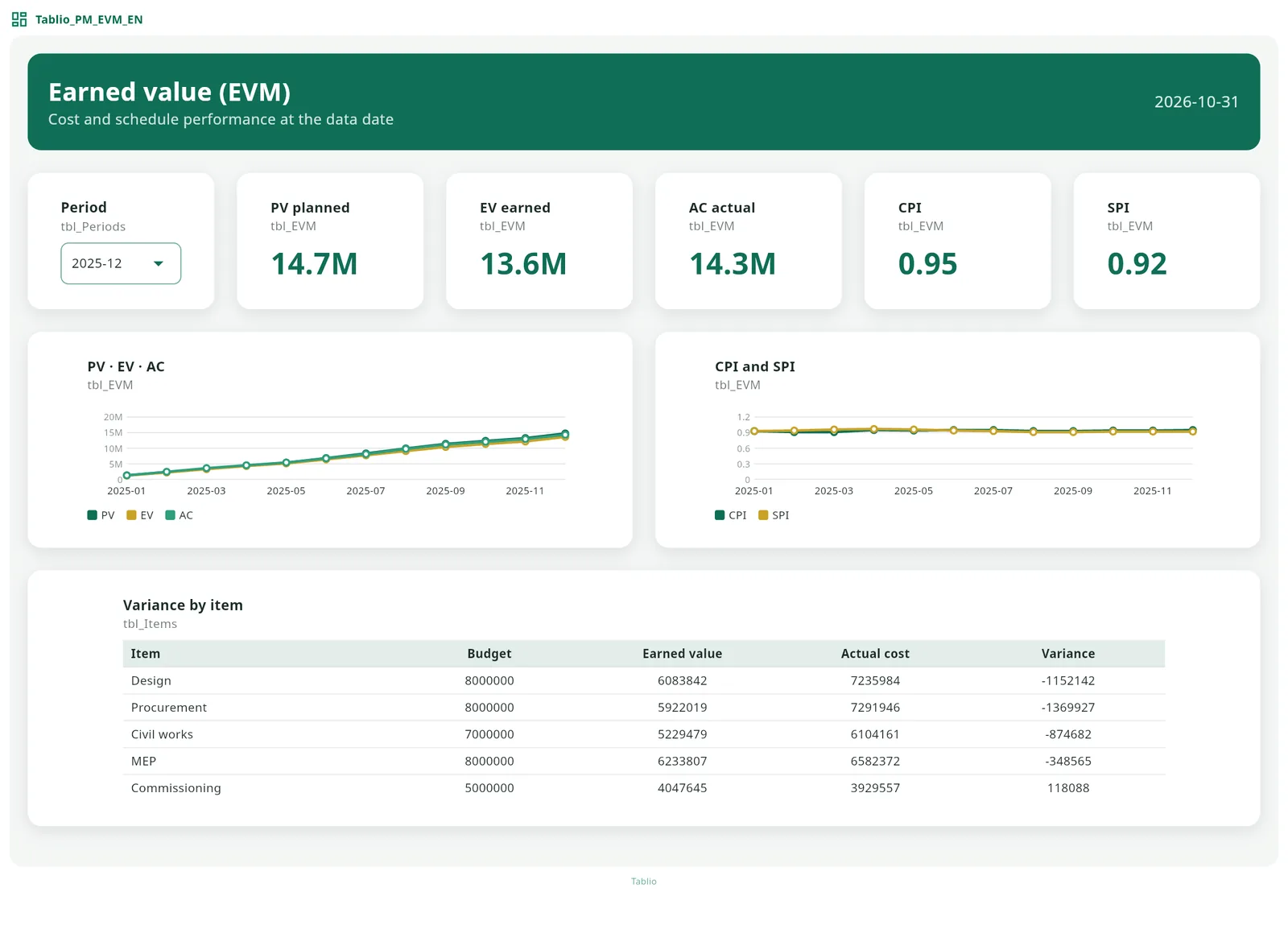
🗂️Project-management templatesNew
Ten ready dashboards: portfolio, S-curve, earned value, risks, safety and more. Fill in the Excel form and the dashboard appears.
Learn more →✓Instant validation
Column types, approved drop-down lists, and a "Needs fixing" bar that points to every error in the file.
Learn more →✨Smart editNew
Finds the common errors in every column, from Arabic-Indic digits to extra spaces and mixed spellings, and proposes the fix with a preview.
Learn more →🧹Quick clean & replaceNew
Clean a column or the whole table in one click, or find and replace, seeing how many cells will change first.
Learn more →🔗Link by keyNew
Bring values from another table or file by a shared column: as fixed values or a real XLOOKUP formula.
Learn more →↶Steps log & undoNew
Every change logged in order: who, when and how many cells, and any step can be undone.
Learn more →📱Works on mobile
Site engineers and branch staff enter data straight from their phones, under the same rules.
Learn more →⇄Merge & advanced merge
One file per branch, then one combined workbook: review new and changed rows, keep every file's columns, see each row's source.
Learn more →👁Manager review
Managers check the file's data and change log before approving it.
Learn more →📊Instant reports
Summaries and a file report built from the same data, no retyping.
Learn more →ƒFormulas stay intact
Calculated columns are protected from overwriting and filled in every new row.
Learn more →🔐Member permissions
Hide a sheet, table or column from members or make it read-only — and it carries into Excel itself.
Learn more →🎨Sheet designer & templates
Build a new table with a title, notes and colors, or start from a ready template.
Learn more →⬇Password-protected export
Export to regular Excel, or lock it with a password for the right people only.
Learn more →First and foremost: you're safe.
Your files are yours. Tablio works on a file only during your session, then deletes it as soon as you sign out, close the page, or the session ends. We keep no copies, we don't read your content, and we never use it in any statistics.
- Files deleted automatically after each session
- Fully encrypted connection (HTTPS)
- Password-protected export when you need it
Built for anyone who collects data from more than one place
Project managers & engineers
Daily site reports, quantity surveys, progress tracking.
Small & medium businesses
Inventory, sales, branch data.
Schools & education
Student records, grades, attendance.
Government departments
Standard forms across every department.
Choose how you work
Tablio for Desktop
- Windows app that works offline
- Best for solo work on one computer
Try all of Tablio free for 28 days
Every feature, dashboards and project-management templates included, with no credit card and no commitment. For subscription details after the trial, contact us.
Frequently asked questions
Do I need to install anything?
No. Tablio Web runs in your browser on desktop and mobile. The desktop app is optional.
Does Tablio change my Excel file's layout?
No. Your file keeps its layout, formatting and formulas, and opens in Excel at any time.
Where are my files stored?
They aren't. A file exists only during your session and is deleted automatically afterwards. Keep your copy by exporting it.
How long is the free trial?
28 days with every feature, no credit card and no commitment.
Does it support Arabic?
Yes. The interface and your files work fully in Arabic and English, with dark mode too.
Does the dashboard stay with the file?
Yes, inside the Excel file itself, and you can export it as an image, PDF, PowerPoint or an interactive HTML page that works offline.

Ready to say goodbye to data-entry errors?
Try Tablio free for 28 days. No credit card, no commitment.